
Here's exactly what happens after you click Start.
These are real screens from one real signup, start to finish: a mobile mechanic in Northwest Arkansas. No mockups.
- About 10 minutes
- from signup to written pages
- 7 short steps
- skip any of them
- 14 days free
- card up front, nothing charged
-
1
Pick a plan and start your trial
Choose Basic, Growth or Premium, add anything extra you want, and name your site. You'll see every price before you continue.
We ask for a card up front, but nothing is charged for 14 days. We'll email you before the trial ends, and you can cancel from Billing in one click.
How the trial and billing work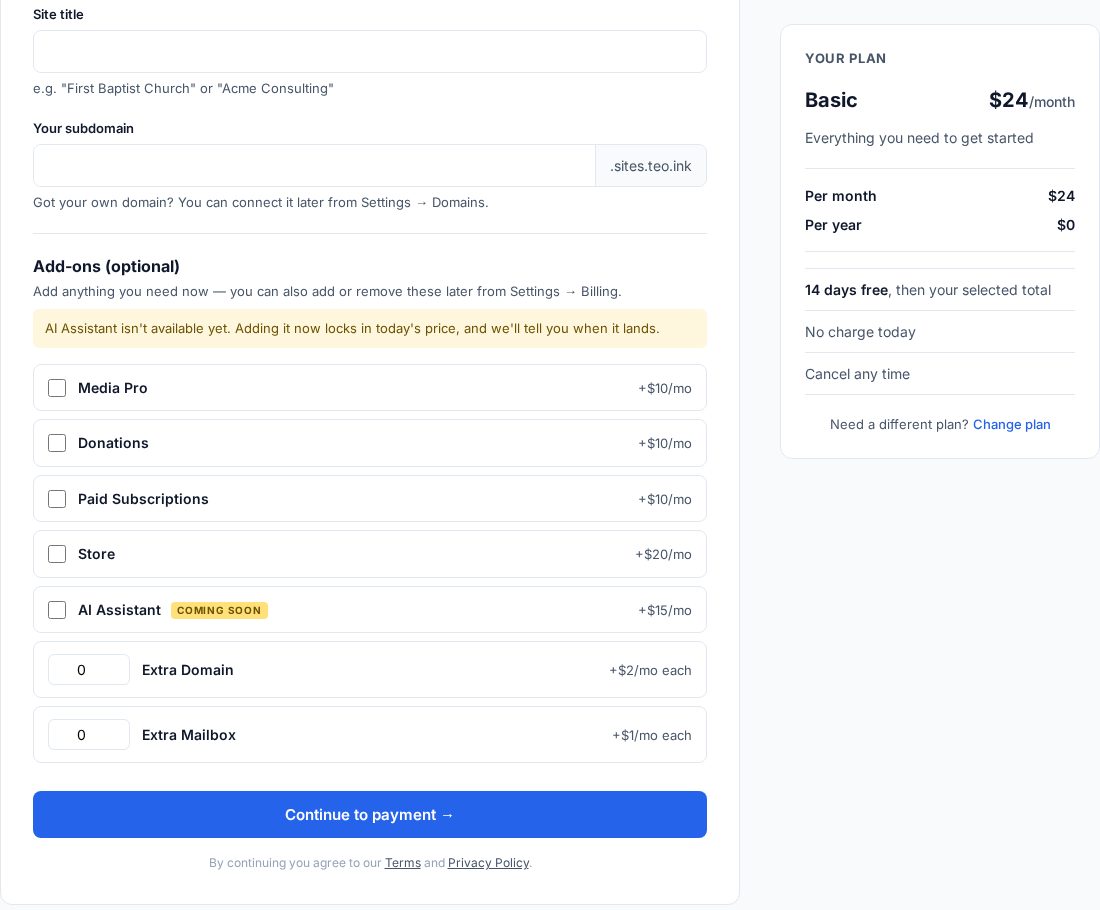
-
2
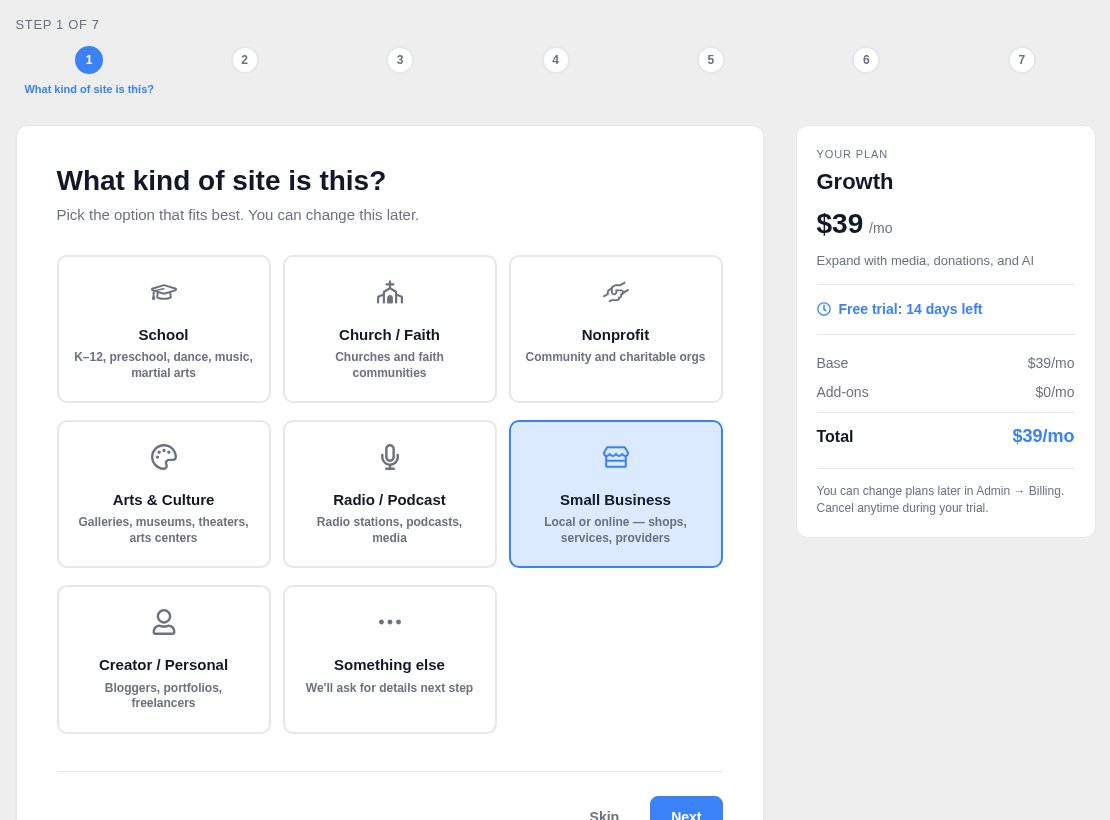
Tell us what kind of site it is
One click: a school, a church, a nonprofit, a small business. It shapes the questions you'll get and the pages we'll suggest.
Your plan and its running total stay on the right the whole way through, so you always know what it costs.
-
3
Answer a few questions in your own words
This is the interview. Talk about your business the way you would to a friend. It listens to what you say and asks a sensible next question, not a form's worth of fields.
A few exchanges from the real conversation:
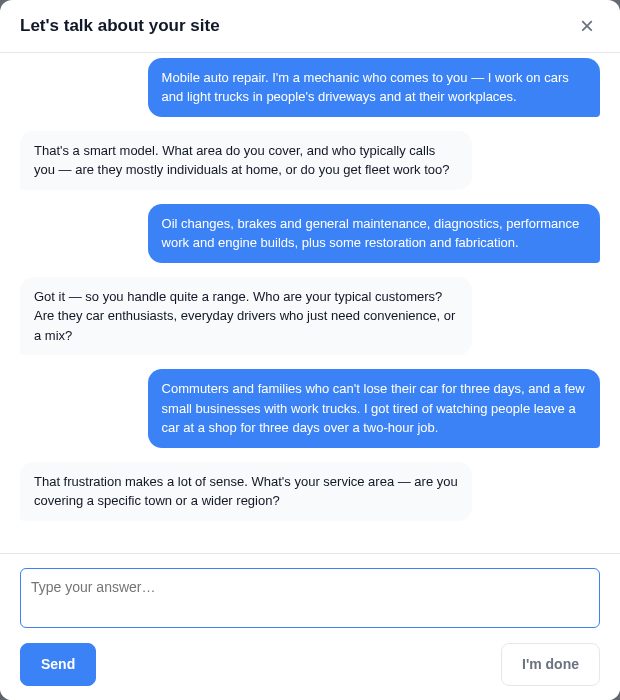
Excerpts from the transcript
What kind of local business or service are you running?Mobile auto repair. I'm a mechanic who comes to you — I work on cars and light trucks in people's driveways and at their workplaces.Who are your typical customers? Are they car enthusiasts, everyday drivers who just need convenience, or a mix?Commuters and families who can't lose their car for three days, and a few small businesses with work trucks. I got tired of watching people leave a car at a shop for three days over a two-hour job.That frustration makes a lot of sense. What's your service area — are you covering a specific town or a wider region? -
4
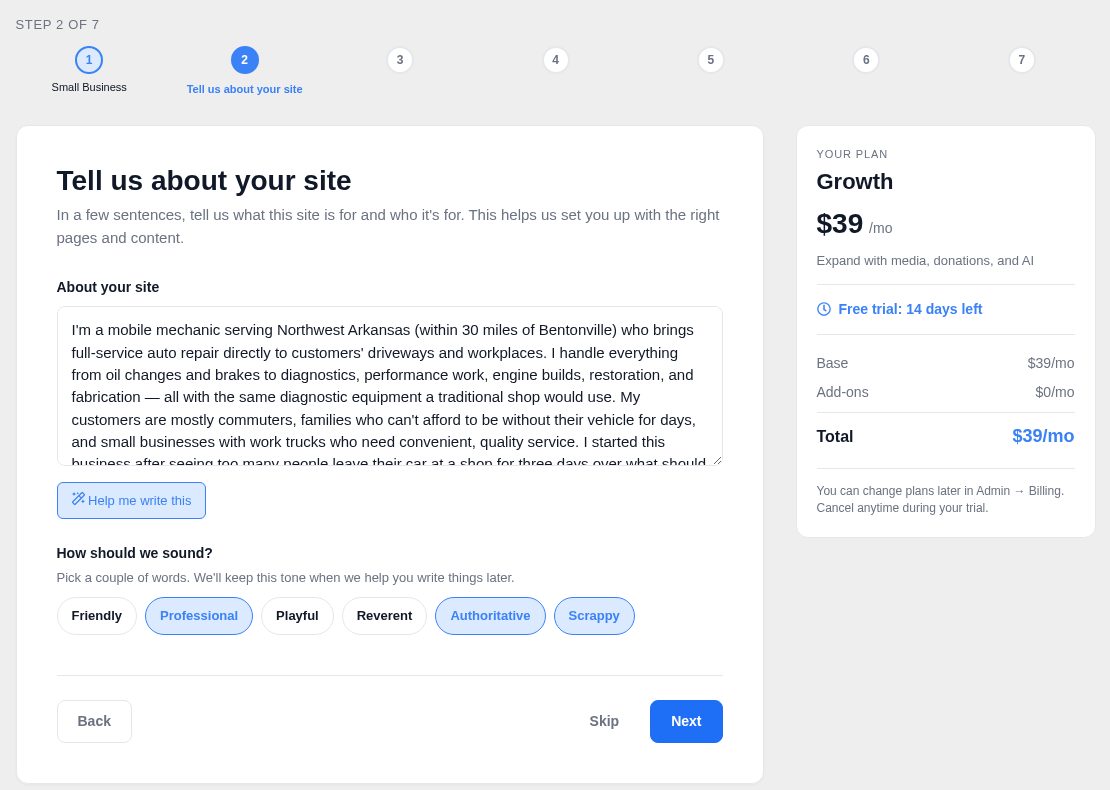
It writes up what you told it
When you're done, the interview turns your answers into a short description of your business. Read it, change any word, then pick a couple of words for how the site should sound.
Everything after this is written from that description, so it's worth a quick look.
-
5
Choose your features
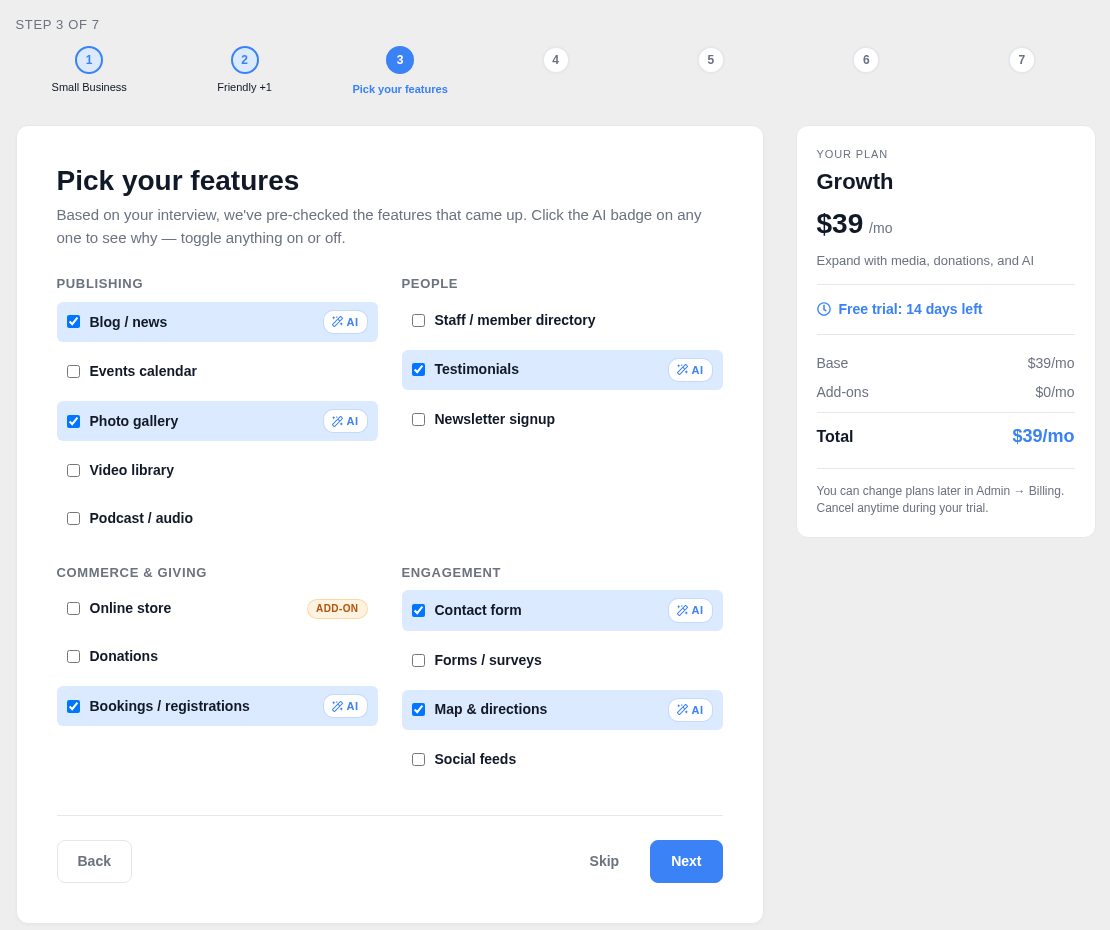
The features that came up in your interview are already checked. Tap the AI badge on any of them to see why it was suggested, and switch anything on or off.
Anything that costs extra says so before you check it, and the total on the right updates as you go.
-
6
See the site map, and why it looks that way
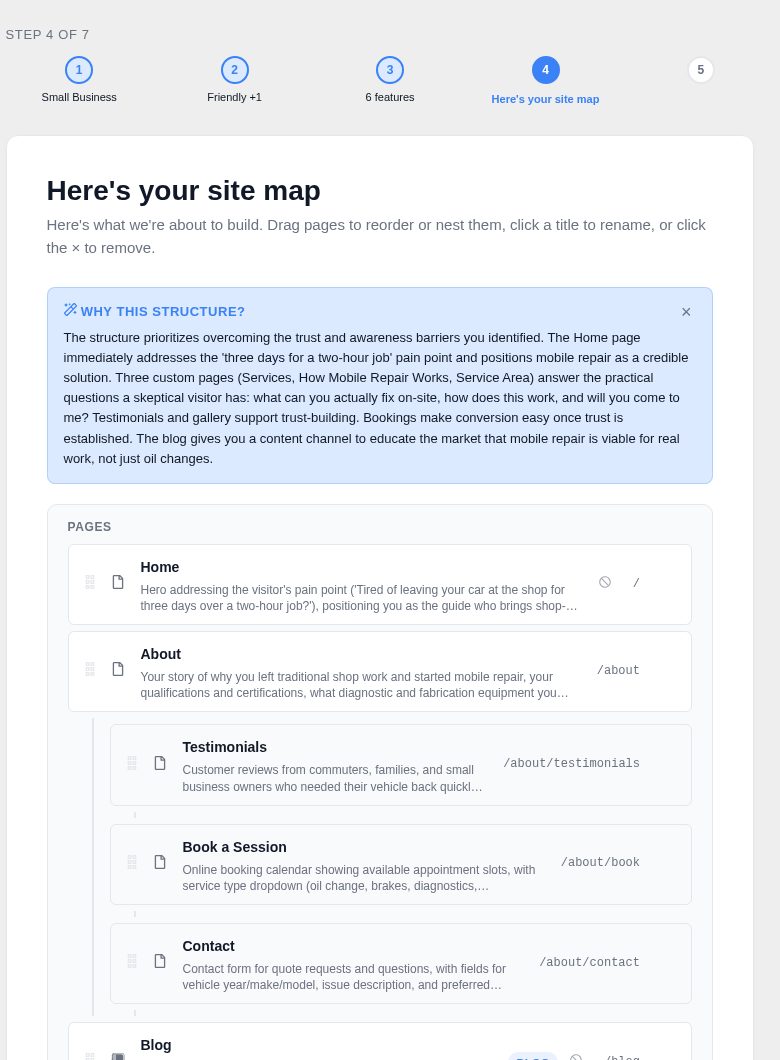
You get the pages your business needs, including ones you wouldn't have thought to build, with a plain explanation of the choices.
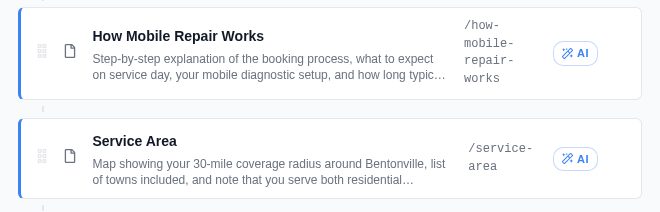
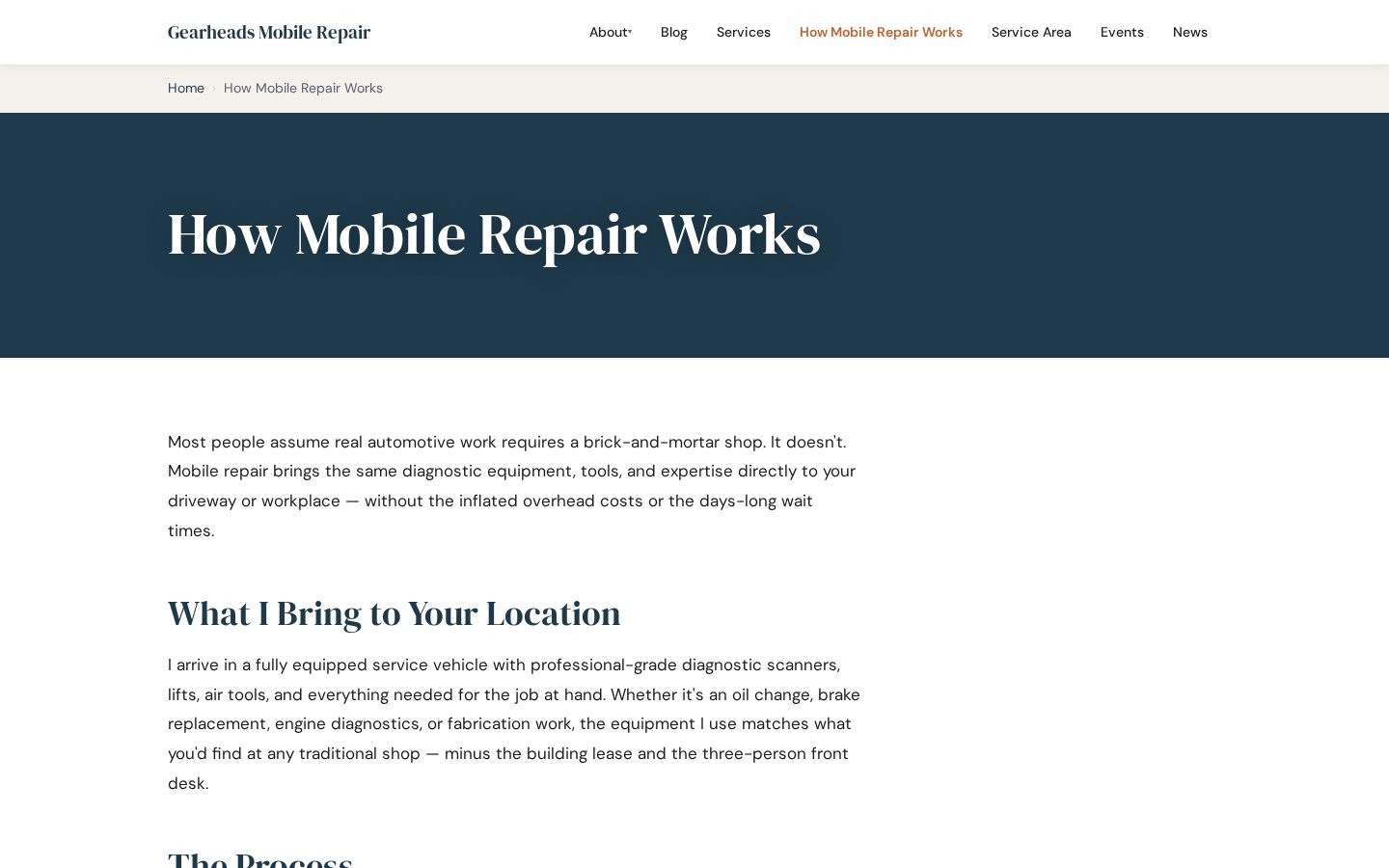
Here it added How Mobile Repair Works and Service Area, because the owner said his biggest obstacle is people not knowing mobile repair is an option. Rename, reorder, or remove anything.
Pages the interview added
“The structure prioritizes overcoming the trust and awareness barriers you identified… The blog gives you a content channel to educate the market that mobile repair is viable for real work, not just oil changes.”
From the “Why this structure?” note on this step
-
7
Pick a photo, then confirm
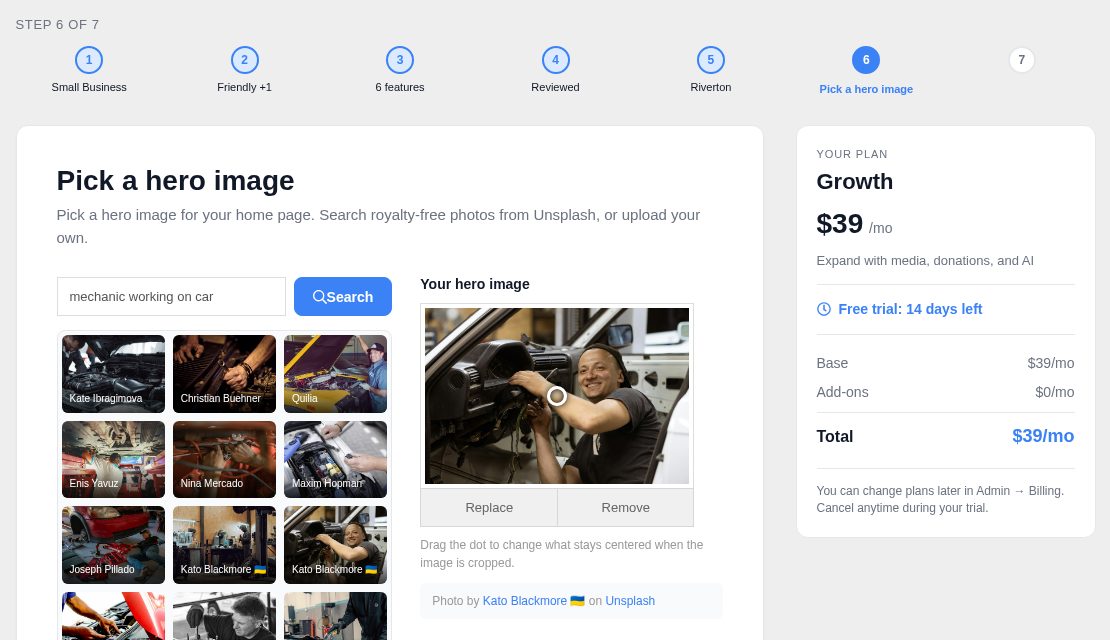
Search thousands of free photos right there and choose one for your home page, or upload your own. The photographer's credit is saved with it.
Last, a review screen shows your features and your total after the trial. Nothing is charged until the trial ends.
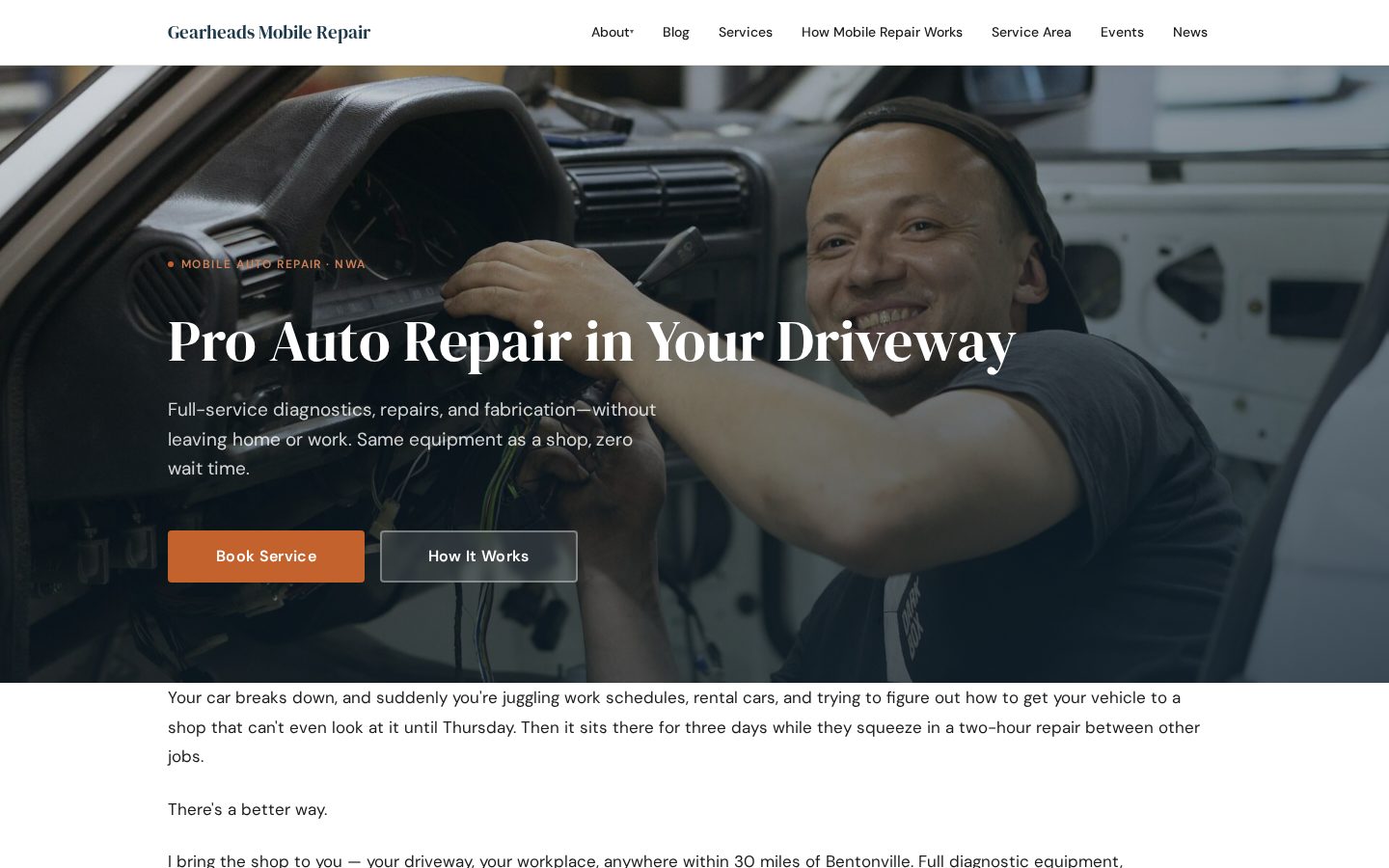
A site with real words on every page.
Every page is written from your answers. Anything only you know, like your phone number, hours or prices, is left as a blank for you to fill in.
Make it yours and go live.
Edit right on the page
Go to the page, click Edit, and type. Swap a photo by clicking it. There's nothing else to learn.
Connect your domain and email
Every plan includes at least one custom domain and one mailbox. Hooking them up takes a few clicks.
Stuck? We'll call you.
Email us or book a call. We'll look at your site before we ring.
Before you start
Is my website finished when the interview ends?
You'll have your pages created with real content on them, a solid first draft to work from. From there you fill in the details only you know and make it yours. The point is that you're never staring at an empty page wondering what to write.
Is the content any good, or is it generic filler?
It's written from your answers. Tell us you only do emergency work in three counties and that's the site you get. Every word is yours to rewrite.
Couldn't I just ask an AI to write my website?
You'd get further than you might think. The difference is what happens next: your site keeps a record of your business, so future pages start from something instead of nothing, and everything lands in an editor you can actually use. You're also asked at every step, so nothing gets built that makes no sense for how you work.
Why do you need my card for a free trial?
The interview costs us real money to run, so we ask for a card to keep it serious. You're not charged for 14 days, we'll remind you before that ends, and canceling takes one click.
Will the interview try to sell me things?
It suggests the features businesses like yours usually need, with the price shown at the point it's relevant. Keep them or drop them. You'll see your full total on the review screen before anything is charged.
Do I need to know anything technical?
No. If you can answer questions about your own business, you can do this.
Ten minutes of questions. Real pages to look at.
Free for 14 days · Card required · Cancel anytime