
Giving, with the receipt already handled.
One-off or monthly, split across funds if you run them, and a receipt in their inbox without anybody typing one.
- Weekly or monthly giving
- A building or equipment appeal
- Bursaries and hardship funds
- Memorial gifts
- Mission and outreach
- Anywhere the amount is theirs to choose
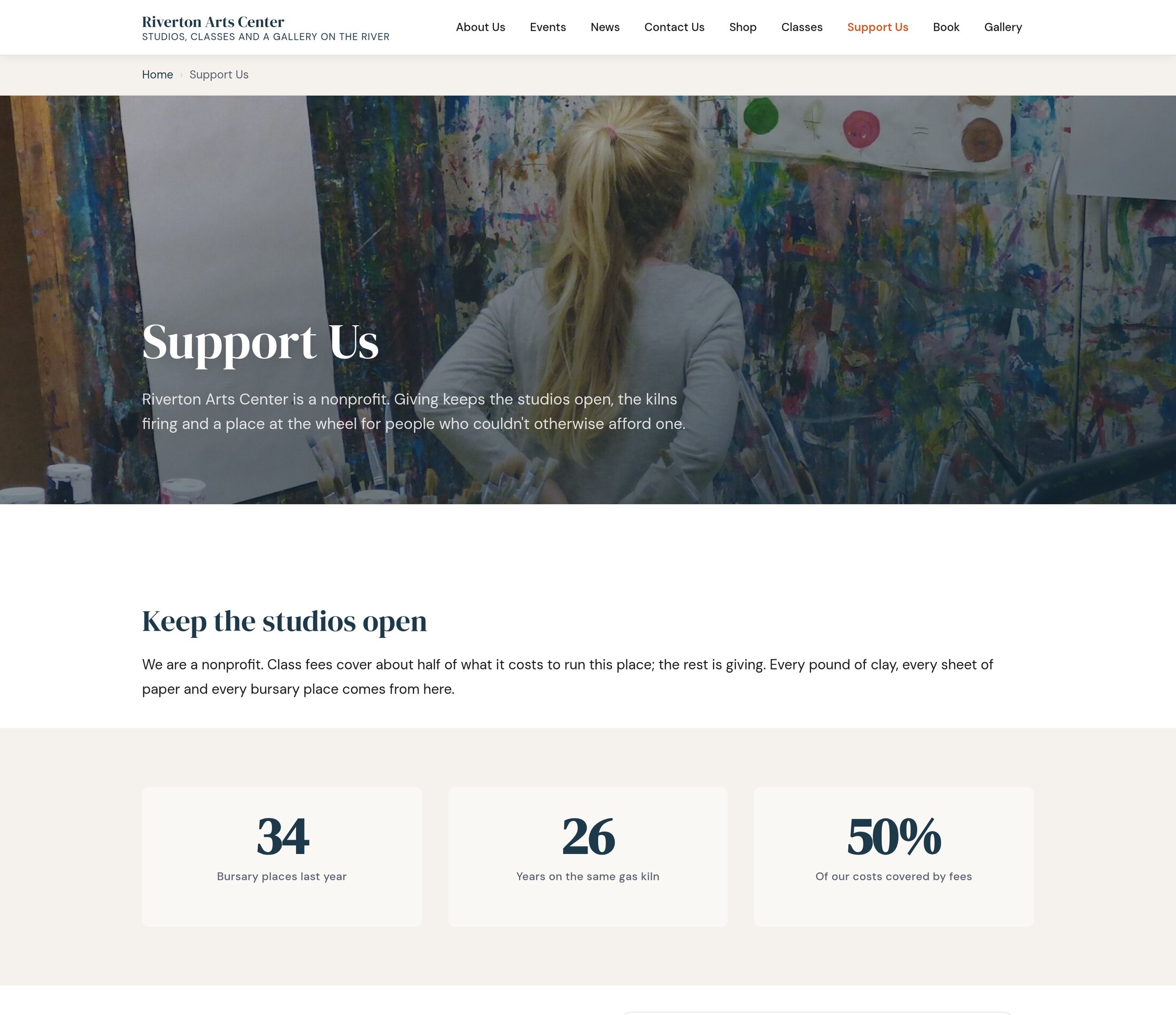
The ask and the form, side by side
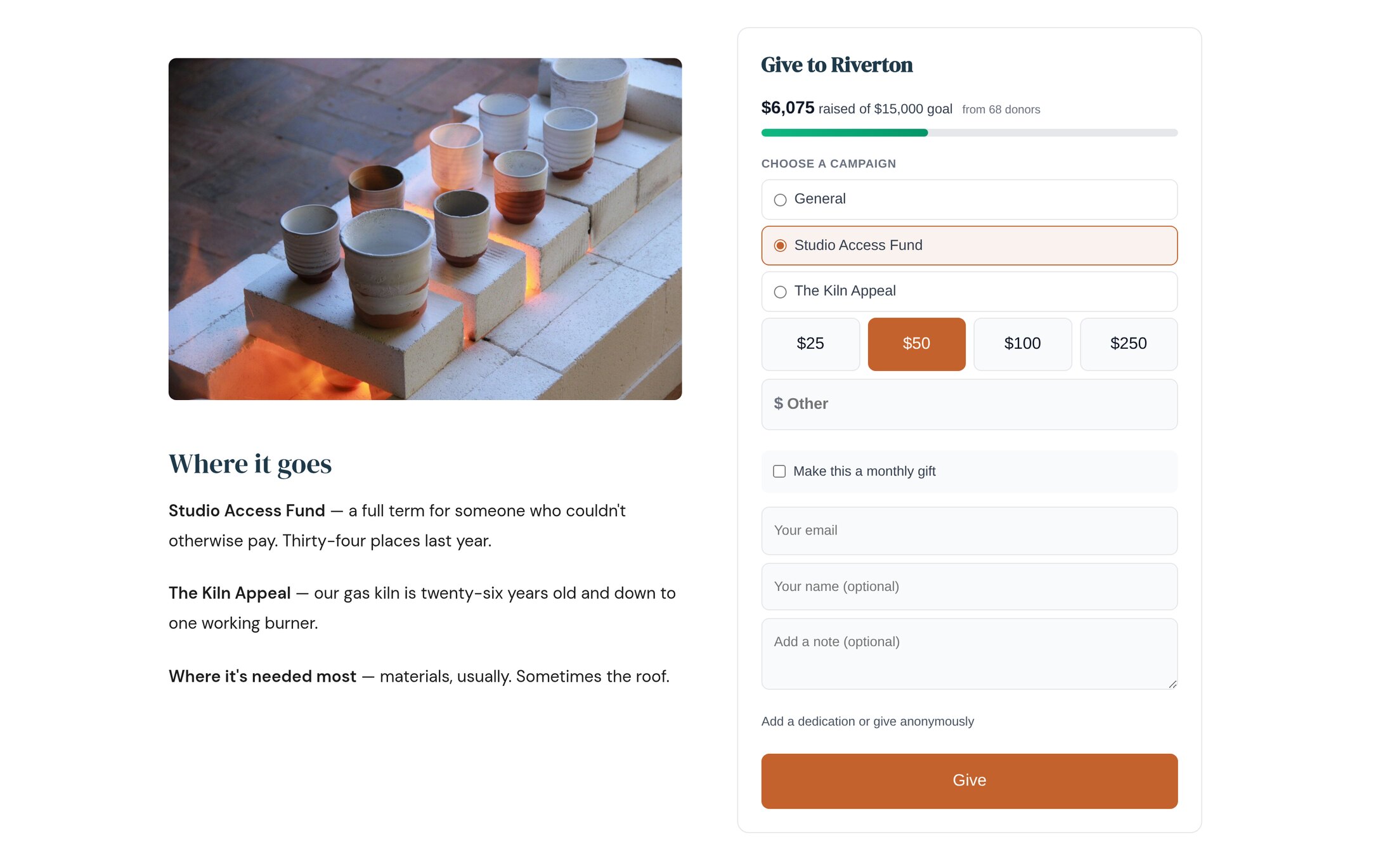
And the receipt
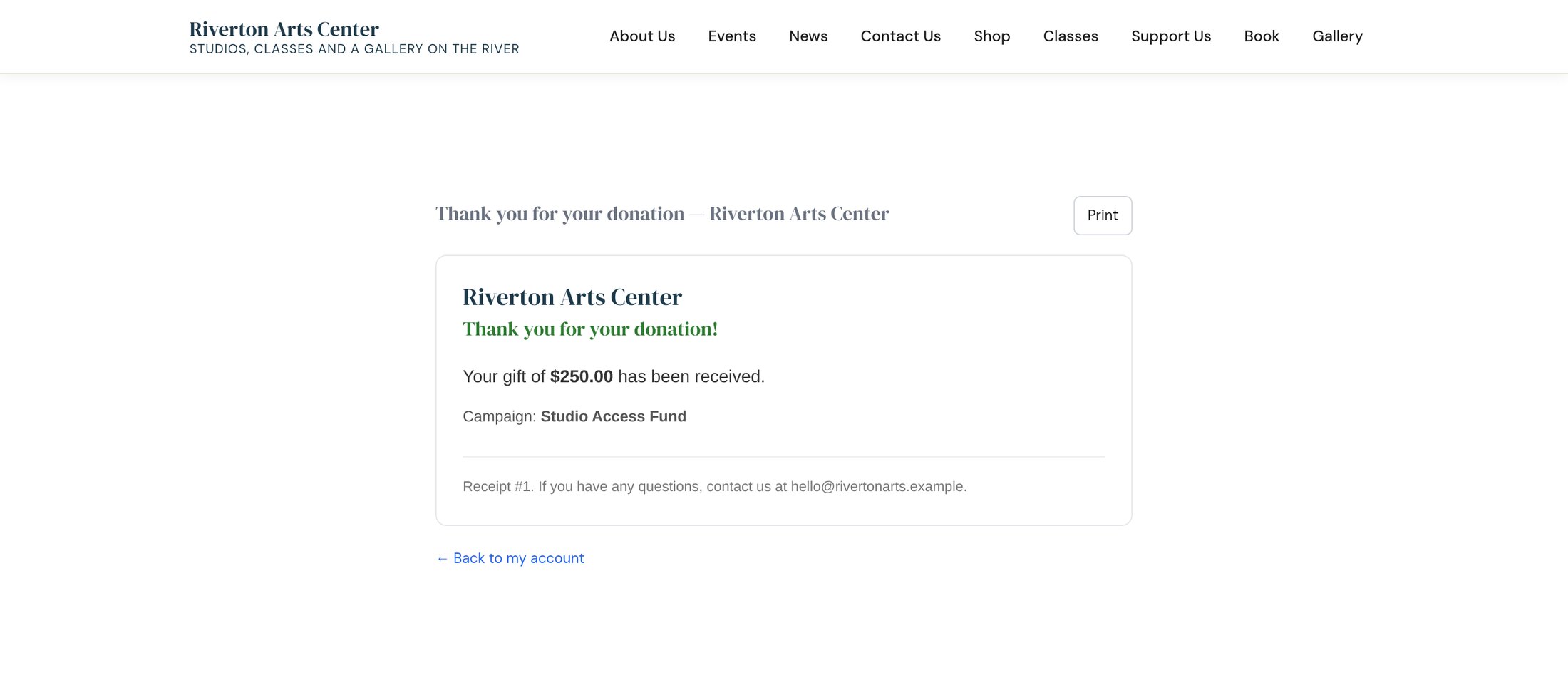
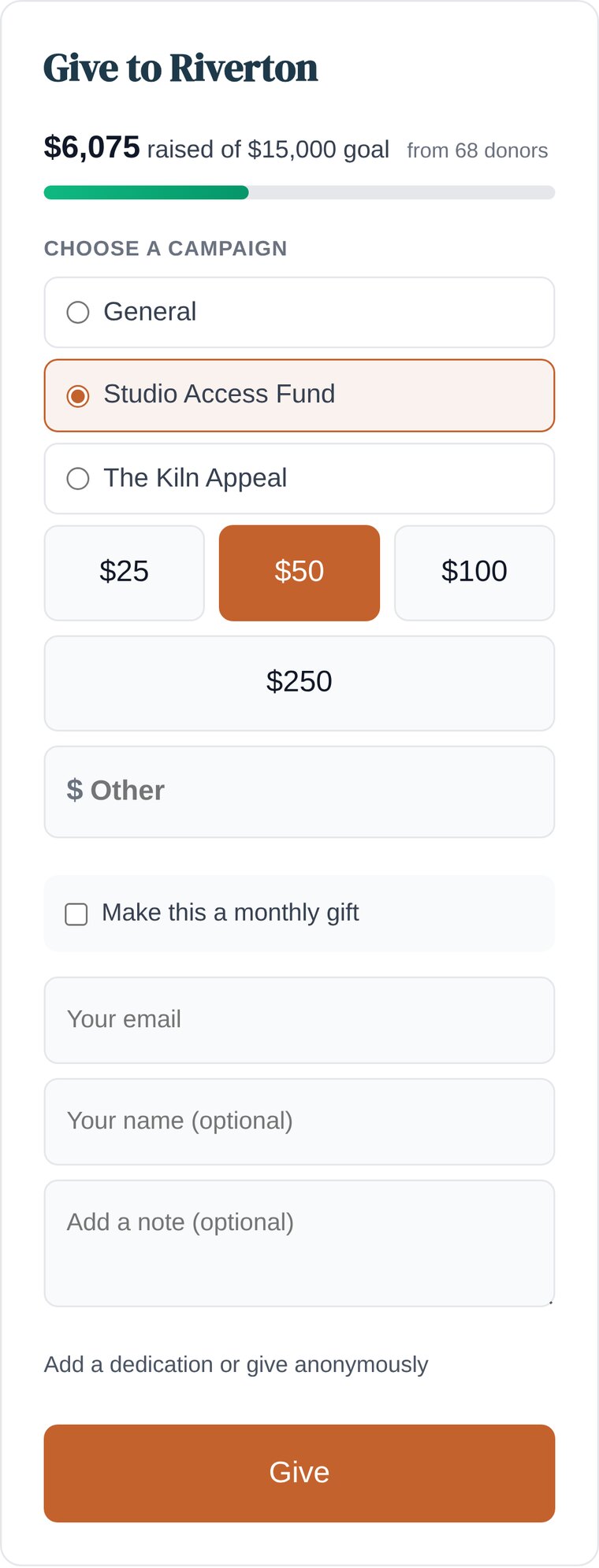
Where most giving actually happens
A newsletter link, a QR code on an order of service, a post someone taps on the bus. Amount, card, done — the whole form fits in a thumb's reach.
One-off or monthly
A giver picks an amount, or one you suggest, and whether it repeats. Recurring gifts keep going without anyone re-entering a card.
Give it a purpose
Separate funds or appeals — building fund, bursaries, a new kiln — so the giver knows where it lands and you aren't reconciling it later.
Receipts, dedications, anonymity
Every gift is receipted automatically. Givers can dedicate one, or give without their name appearing.
The giver decides the amount, which is the difference between this and the shop.
And this is where it lands.
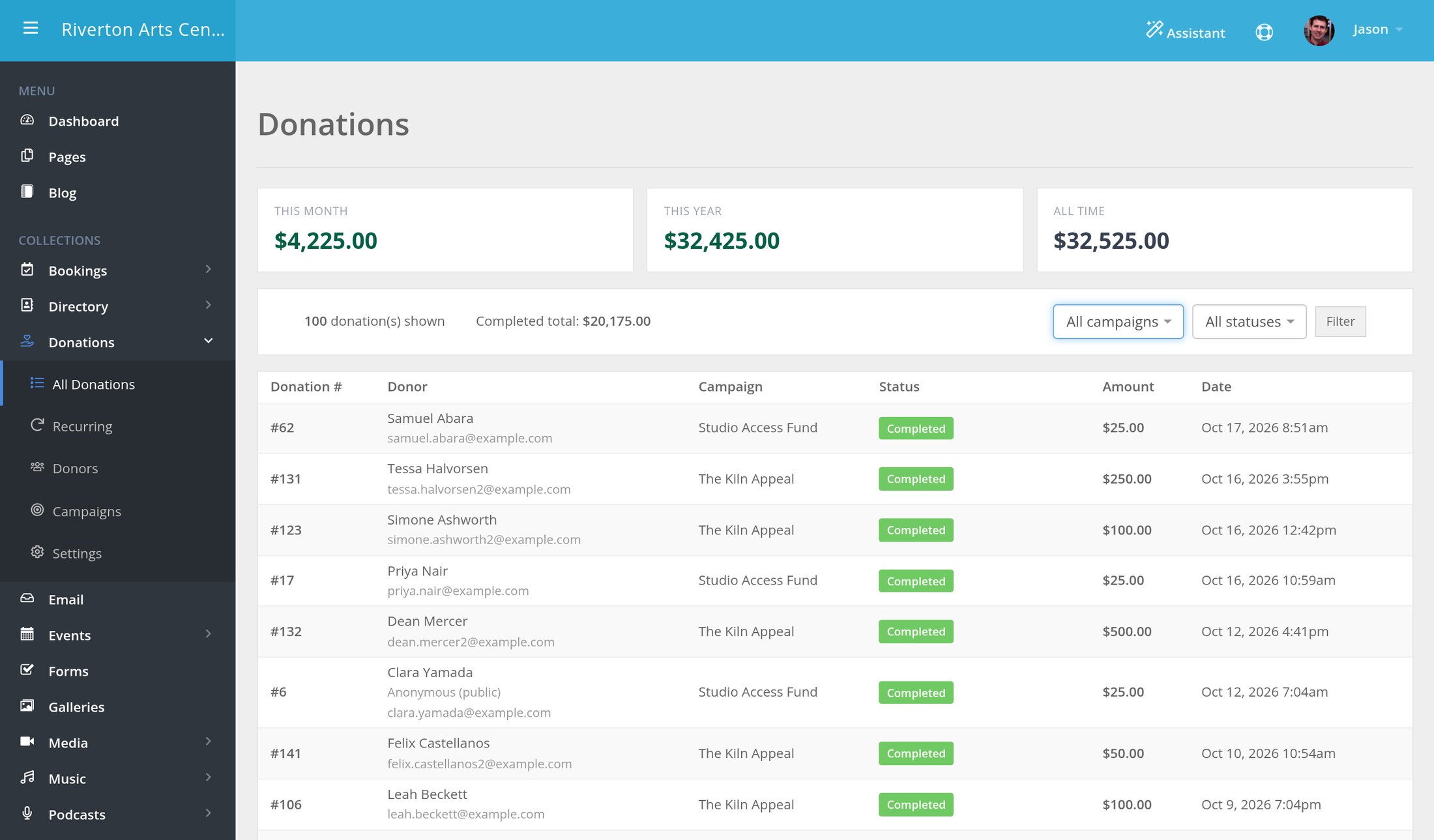
This isn't a mockup.
Every screenshot on this page was taken from a site built on SimpleUpdates and running right now. You can open it and use it.
This is one of several.
Most sites use two or three of these together — a shop and a calendar, or donations and a newsletter.
Have a look at what it costs.
Already with us? Upgrade your site to get all of it.