
What you can actually build.
Not a list of everything the software has. The things people actually come to us wanting to do, and how each one works.
- Edit it yourself
- on the page, no tickets, no developer
- Take money three ways
- products, donations, or any form
- Domains and email too
- one account, one bill
Change anything, without asking anyone.
The part you'll use every week. Everything below is done from your own admin, by you, in the time it takes to write the sentence.
Edit on the page
Click the words and type. No separate editor screen, no preview-and-publish guessing — you're looking at the page while you change it.
Build with blocks
Galleries, calendars, staff, testimonials, maps, video, columns. Drop one in, set a few options, and it already matches your theme and works on a phone.
Pages that organise themselves
Add a page and it's in the menu. Move it and the links follow. Rename it and the old address still works, rather than quietly breaking every link to it.
Three ways to take money. Most people only know about one.
Which one you need depends on what you're charging for — and it's often not the one you came looking for.
Products with options
Sizes, colours, formats — each with its own price, code and stock count. Photos, a full description, and a short one for the listing pages.
Checkout that stays put
Cart, card and confirmation all on your own site, with no hand-off to somewhere that looks nothing like you. Tax and discount codes handled, and the money lands in your own Stripe account rather than ours.
Orders and stock in one place
Stock counts down as things sell. Orders arrive in the same admin as everything else, with shipping worked out by weight, order total or zone — or collection, if they're coming to you.
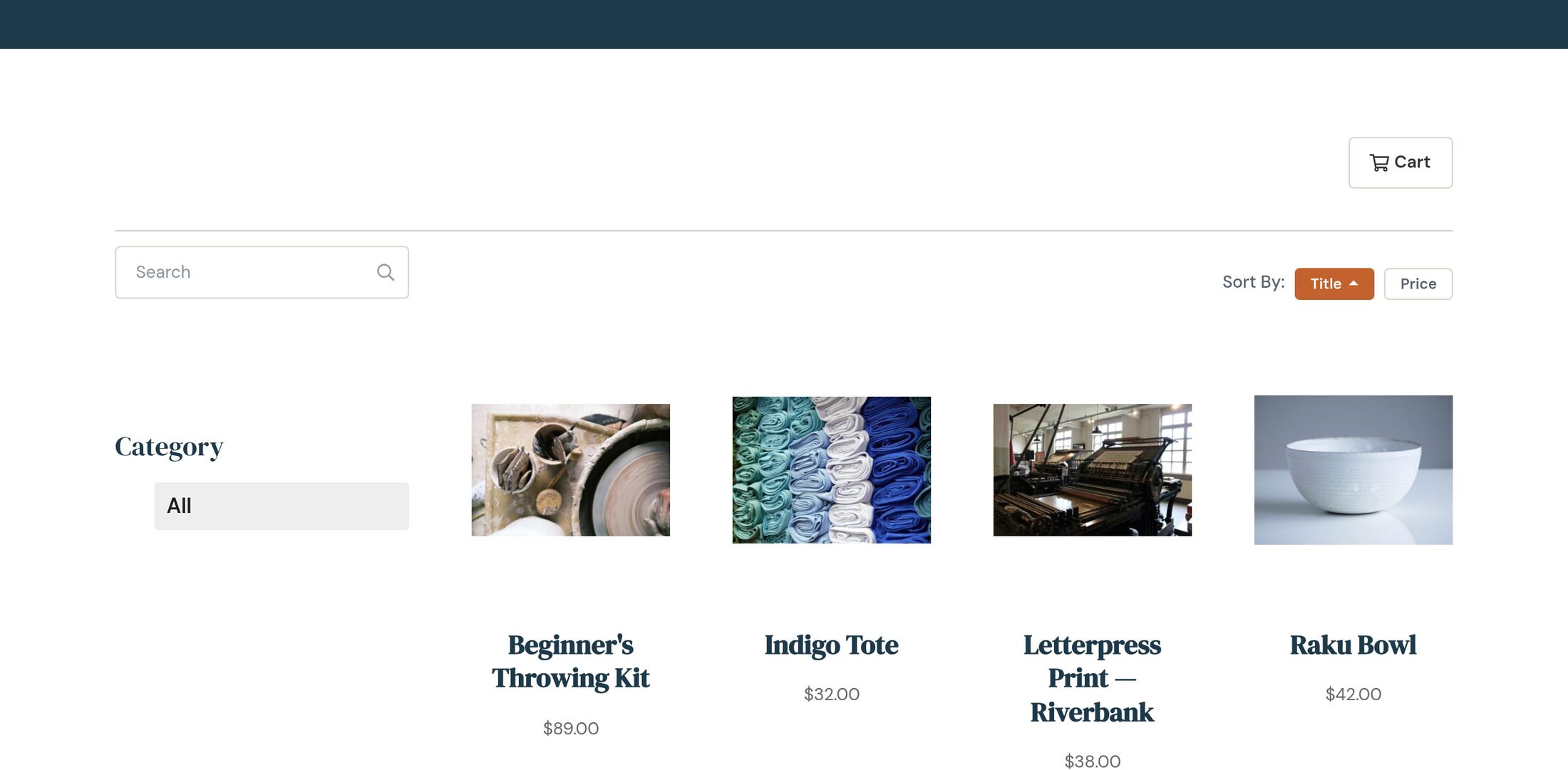
Right for: anything with a price and a quantity — books, merchandise, produce, tickets by the seat.
One-off or monthly
A giver picks an amount, or a suggested one, and whether it repeats. Recurring gifts keep going without anyone re-entering a card.
Give it a purpose
Separate funds or campaigns — building fund, mission trip, memorial — so the giver knows where it lands and you don't have to reconcile it later.
Receipts handled
Every gift gets an emailed receipt automatically, which is the bit that quietly eats an afternoon a month when you do it by hand.
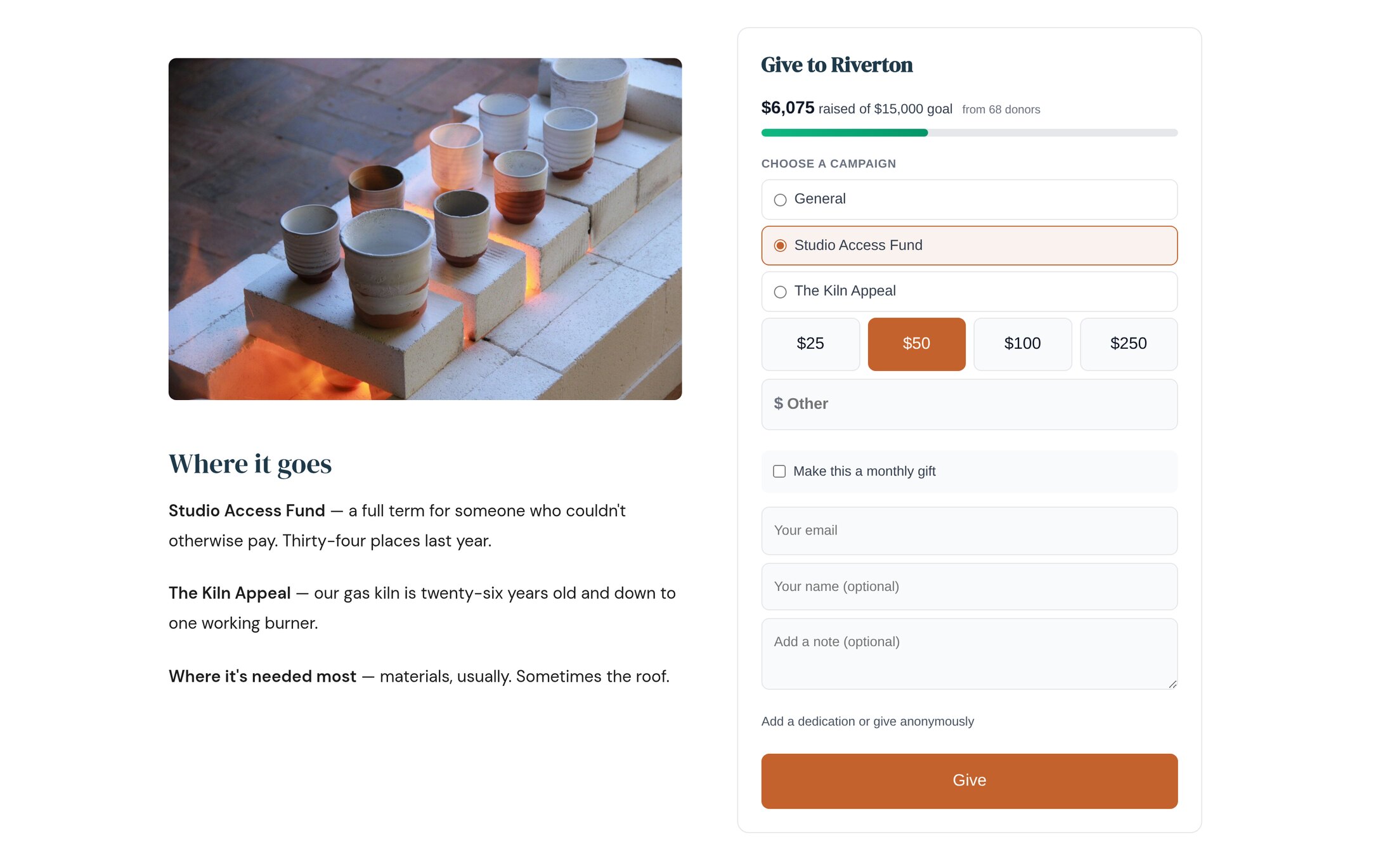
Right for: churches, nonprofits, schools, anyone where the amount is the giver's decision rather than yours.
A form that takes a payment
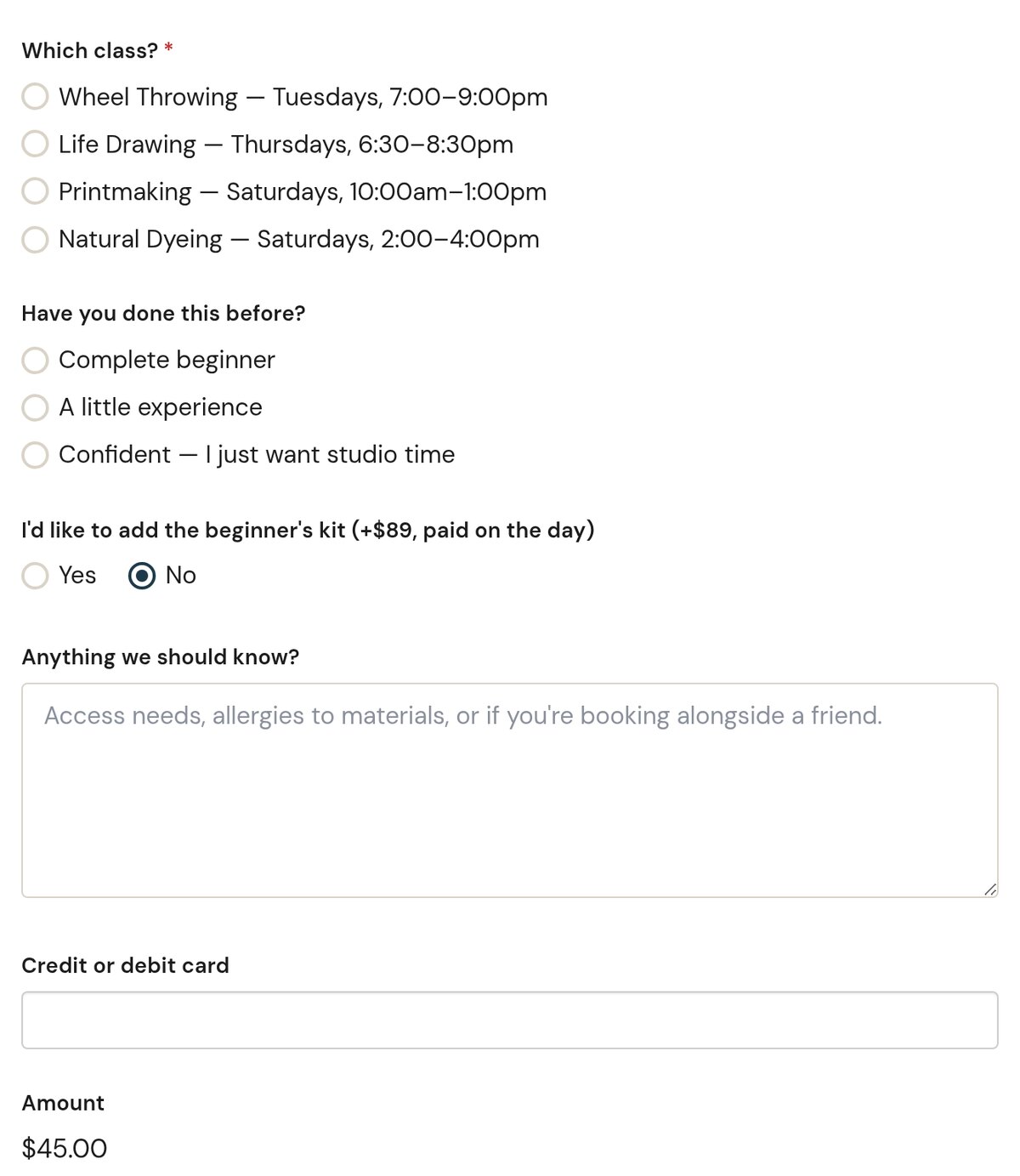
Build the questions you need, attach a price, and the card is collected in the same submission. One entry in your admin with both the answers and the payment against it.
Ask whatever you need
Names, dates, dropdowns, file uploads, consent boxes, a shirt size. Whatever the paper version asked for.
You get told
Email to whoever should know, the moment it arrives. Entries export to a spreadsheet when someone inevitably asks for one.
This is the one people miss.
"Forms" sounds like a contact form, so most customers never look. It's the same tool that collects a school registration and the $45 fee — or a tournament entry, an application fee, a class deposit, membership dues, a tuition instalment, or payment for the church picnic.
If you're currently taking those on paper, by cheque, or by telling people to call the office — this is the part of the page to read twice.
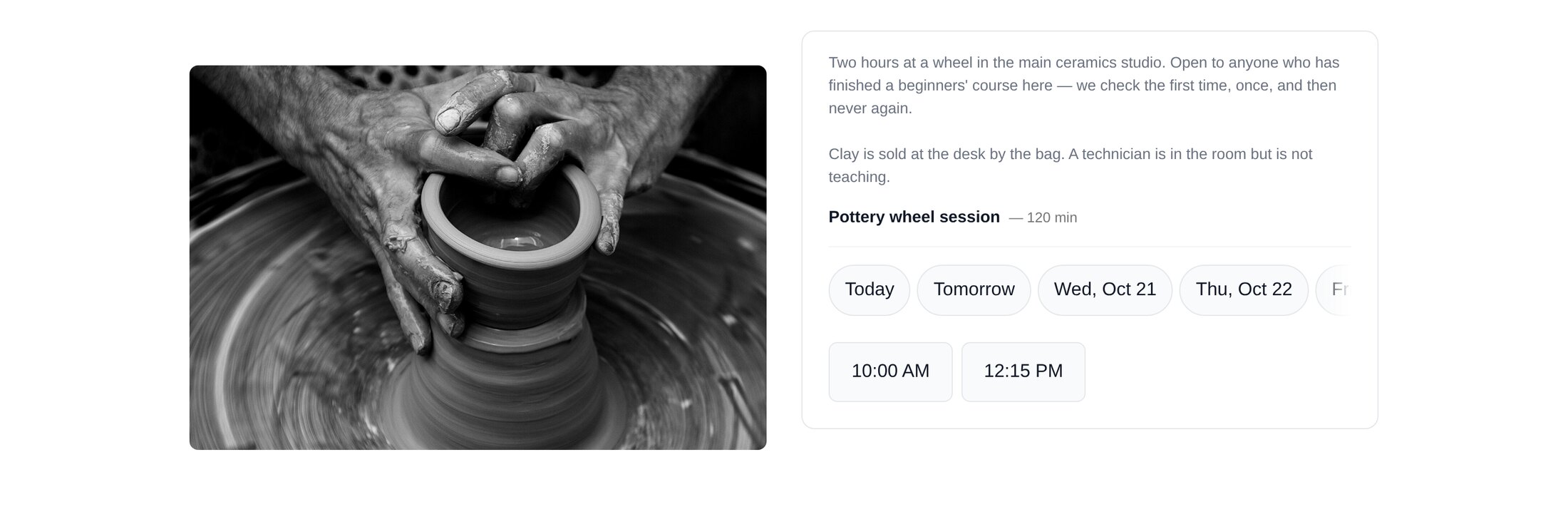
Let people pick a time without the back-and-forth.
They choose, you get told
Set the hours you're available and how long a slot runs. Visitors see only what's genuinely free, book it themselves, and both of you get an email. They can cancel from their own confirmation rather than ringing you.
Consultations, viewings, tours, volunteer shifts, parent evenings — anything where the alternative is four emails to find a Tuesday.
The things people come to your site to look up.
Dates, photographs and news — the three that go stale fastest when updating them is somebody else's job.
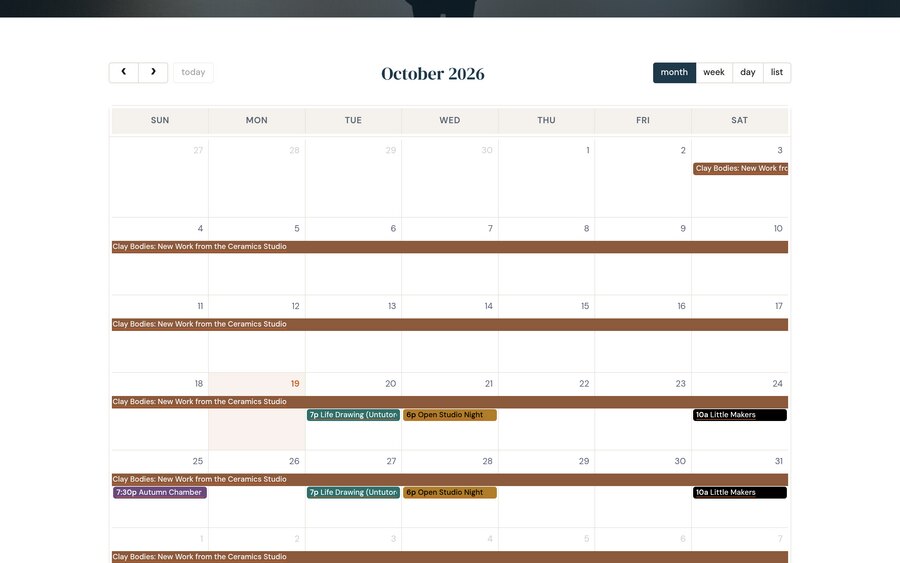
What's on
Every Wednesday, the first Friday of the month, a show that runs six weeks. Enter it once and it repeats properly.
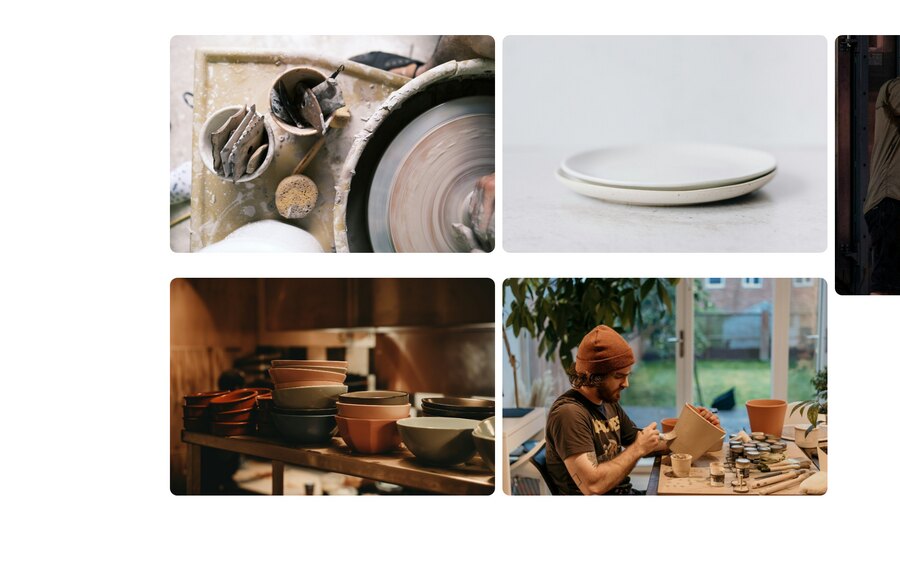
Photographs
One gallery, four ways of placing it: mosaic, grid, carousel or strip. Captions included, and right on a phone.
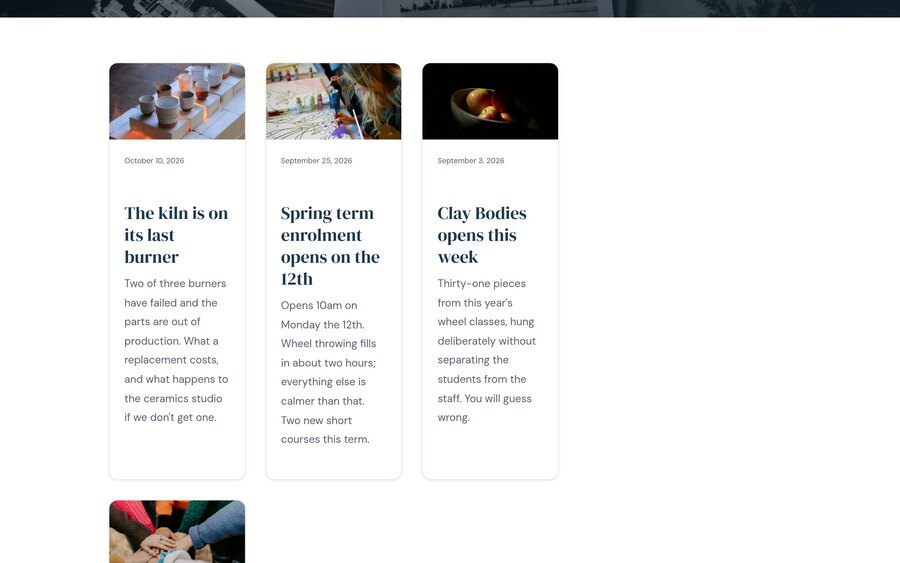
News
Write it like an email. It appears on your news page, on your home page and in your feed without being placed three times.
The things that usually need three other logins.
Domains
Register one, or point one you already own. No separate registrar, no renewal notice from a company you forgot you had an account with.
Email at your own address
Real mailboxes on your domain. Add one for a new member of staff yourself, in about a minute, without opening a support ticket.
One bill, one account
Your plan, your add-ons, your domains and your mailboxes on a single invoice you can see and change from the admin.
Change the design without rebuilding the site.
Themes are separate from your content, so switching one doesn't mean re-entering anything. Your pages, photos and words stay exactly where they are and arrive wearing something newer.
Every theme is responsive, so it's already right on a phone — which is where most of your visitors are.
Tell your website what to change.
"Add a page about our Saturday hours." "This paragraph is too long." It reads what's already on your site, writes to match it, and shows you everything before it publishes.
Included on Premium, an add-on below that, and still rolling out — it runs on the new platform.
Most of this, you can do yourself by Friday.
Already a SimpleUpdates customer? Upgrade your site to get all of it.