
Photographs, arranged four different ways.
Drop a gallery on any page and choose how it sits there: a mosaic, a grid, a carousel or a strip.
- Finished work and portfolios
- Event photography
- Before and after
- Premises and facilities
- Team and staff
- An archive worth keeping

The same photographs, placed differently

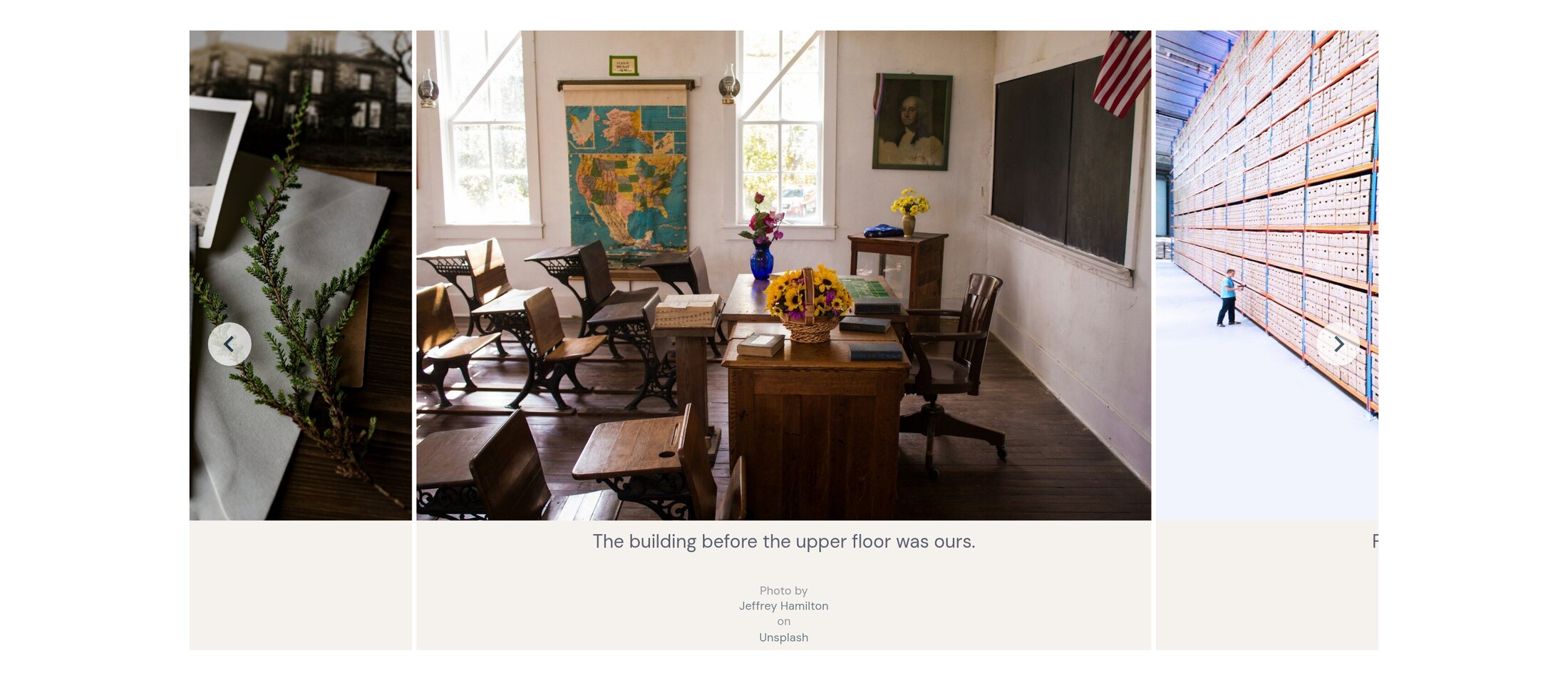

Columns collapse, nothing scrolls sideways
Whichever layout you pick, a narrow screen gets a single column and full-screen viewing that works with a thumb. Captions and credits come along with the photograph.
One gallery, several looks
Pick the layout per placement, so the same set of photographs can be a quiet strip on one page and the centrepiece of another.
Captions and credits
Each image carries its own caption and description, shown on the page and in the full-screen view.
Right on a phone
Columns collapse as the screen narrows rather than scrolling sideways, and full-screen viewing works with a thumb.
And this is where it lands.
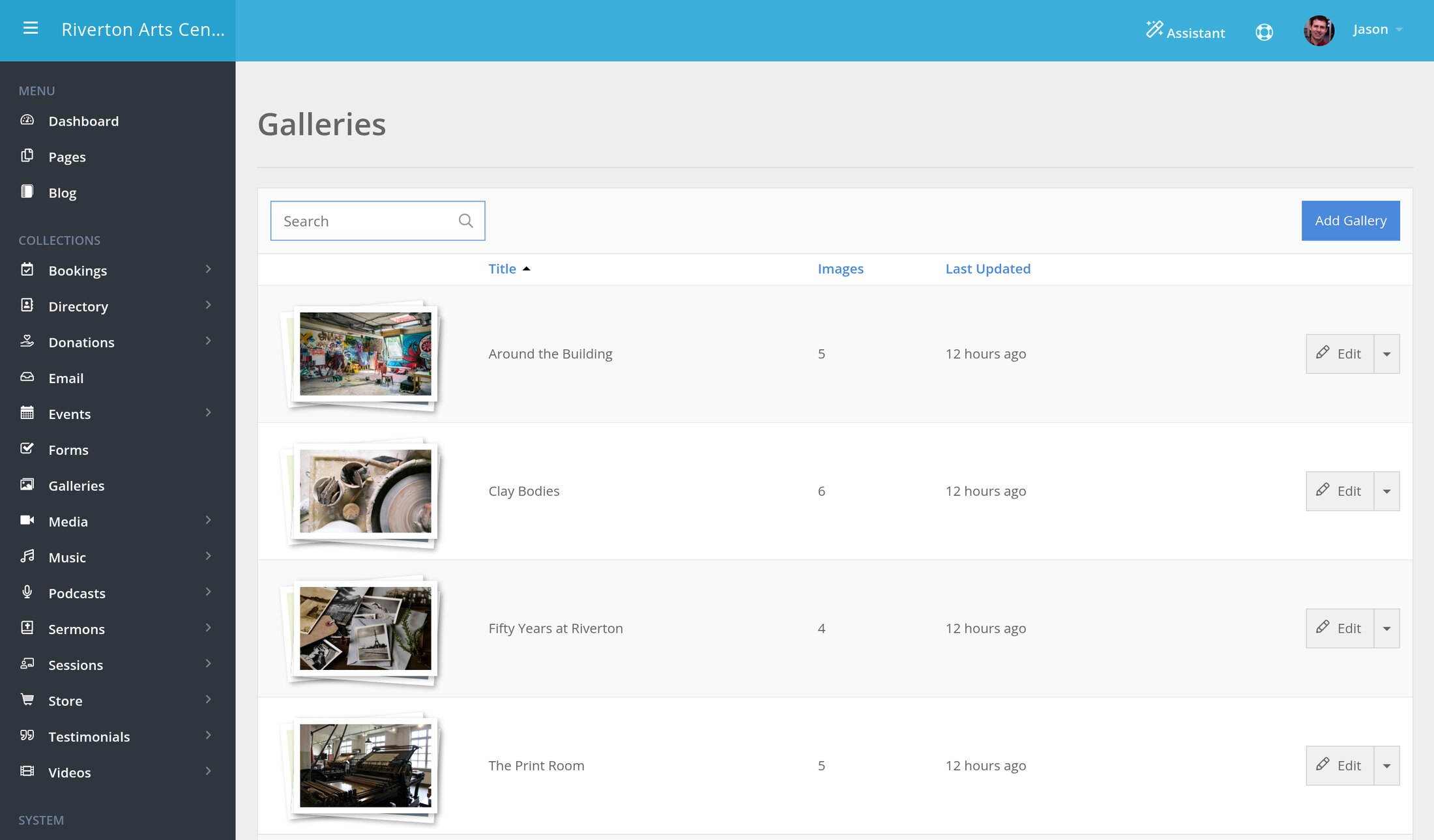
This isn't a mockup.
Every screenshot on this page was taken from a site built on SimpleUpdates and running right now. You can open it and use it.
This is one of several.
Most sites use two or three of these together — a shop and a calendar, or donations and a newsletter.
Have a look at what it costs.
Already with us? Upgrade your site to get all of it.